
Zebra KC401 Kiosk Computer
The Zebra KC401 is a 10.1-inch Android kiosk computer with Wi-Fi 7 and 6 GB/64 GB, designed to fit the CC6000 cabinets and mounts it replaces, and it can run on one PoE+ network cable. Customers use it for price checks, returns, loyalty and contactless tap; staff clock in on it.
Price on request · Request a quote or call (+356) 2138 5911 · Download Spec Sheet
Supplied to order. Want to see one working first? Ask us and we will arrange a demo.
We supply, set up and support Zebra devices in Malta.
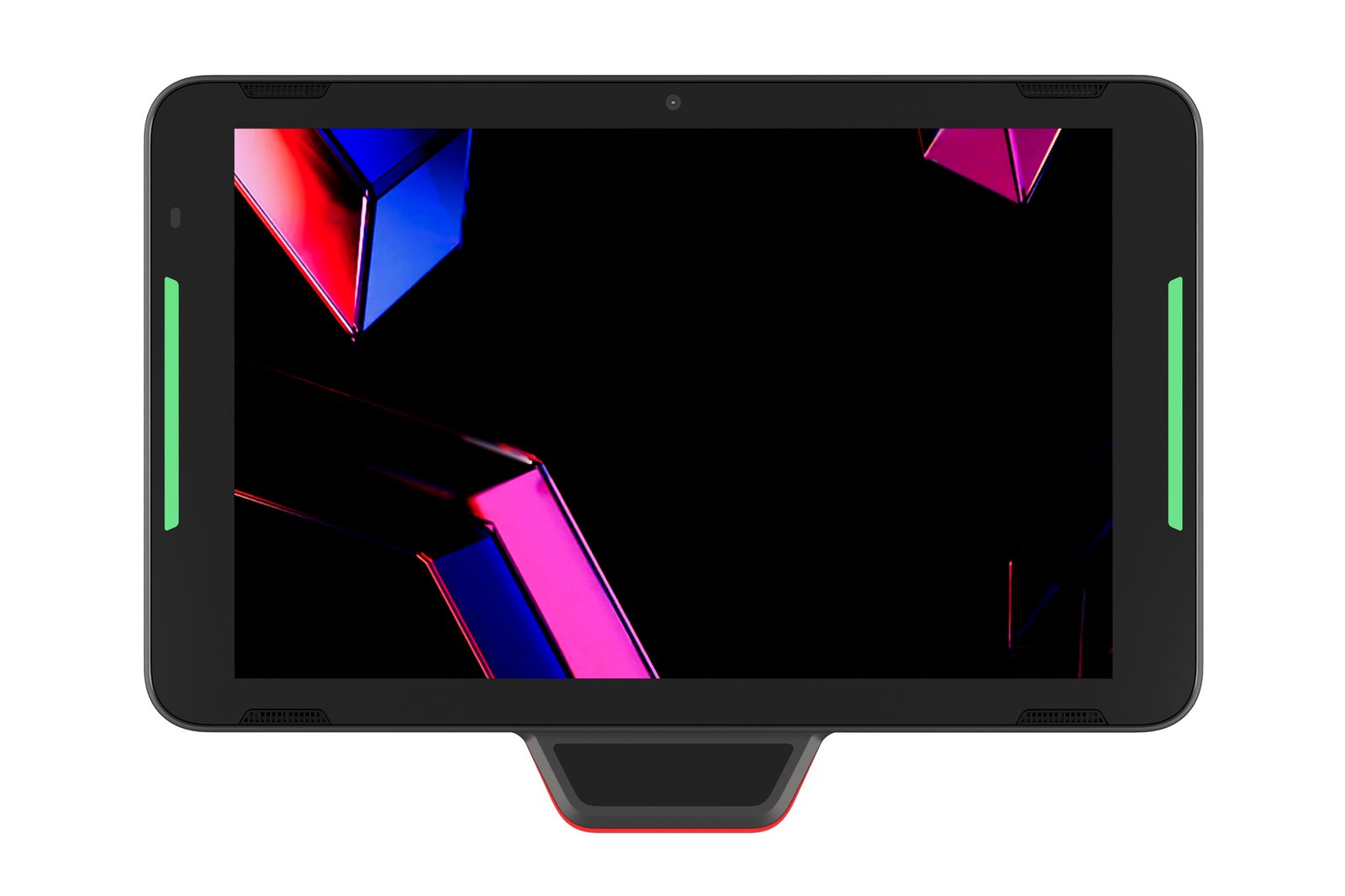
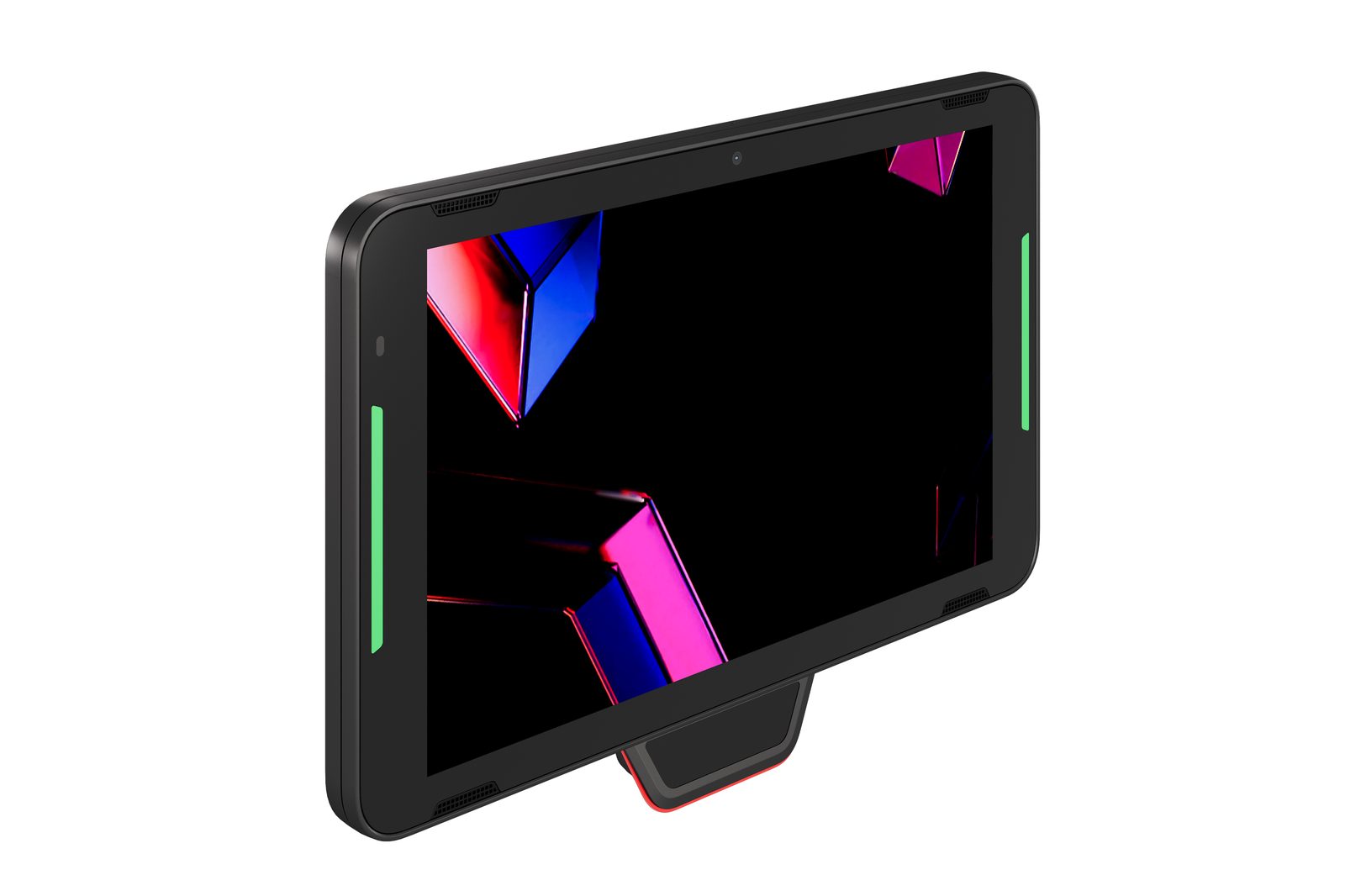
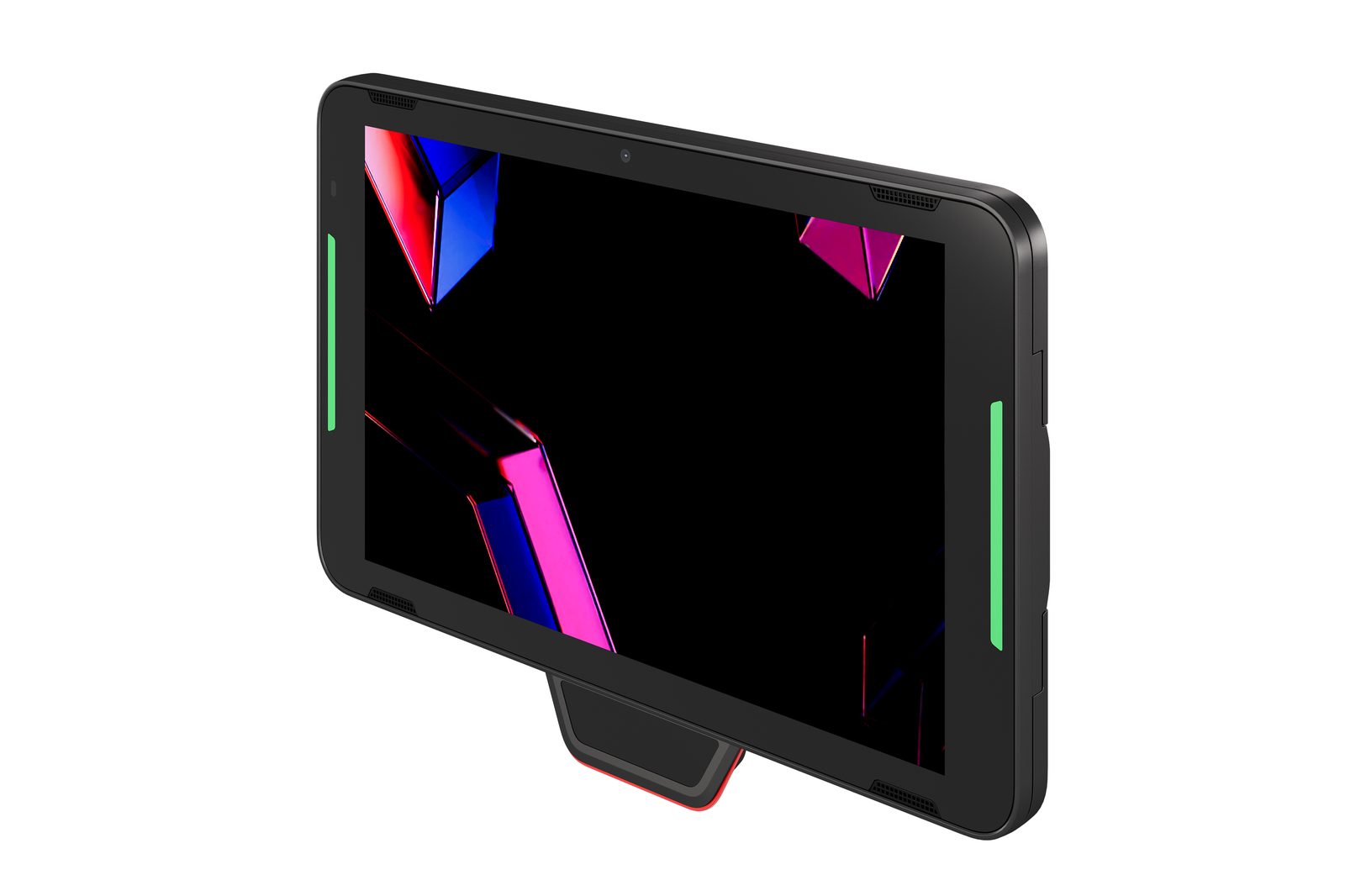
The Zebra KC401 is a 10-inch Android kiosk computer for customer self-service and staff tasks. Zebra designed the KC401 to fit CC6000 cabinetry and mounts, and we now supply it in place of the CC6000. When customers queue at the counter only to ask a price or start a return, a kiosk on the wall answers them instead, which is why the KC401 belongs in retail self-service. It can run on one network cable using Power over Ethernet. It sits in the Zebra range alongside the KC50 and the PS30 Personal Shopper.
What is the Zebra KC401 for?
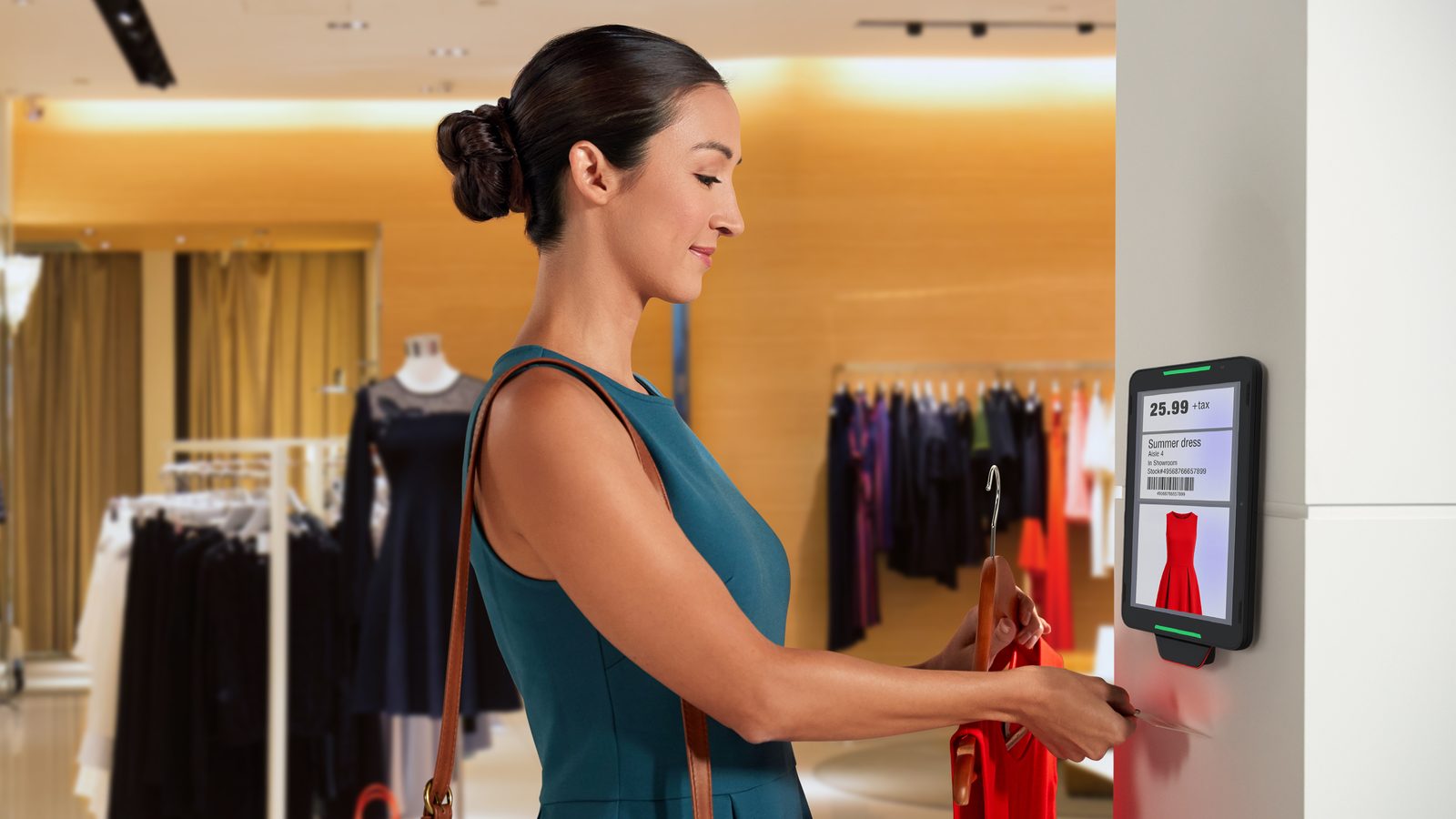
The Zebra KC401 is a fixed self-service screen for customers and frontline staff. In retail it handles price and stock checks, returns and loyalty look-ups. Hotels and venues use it for guest check-in and ticket validation, and it can run a print kiosk or an in-store display.
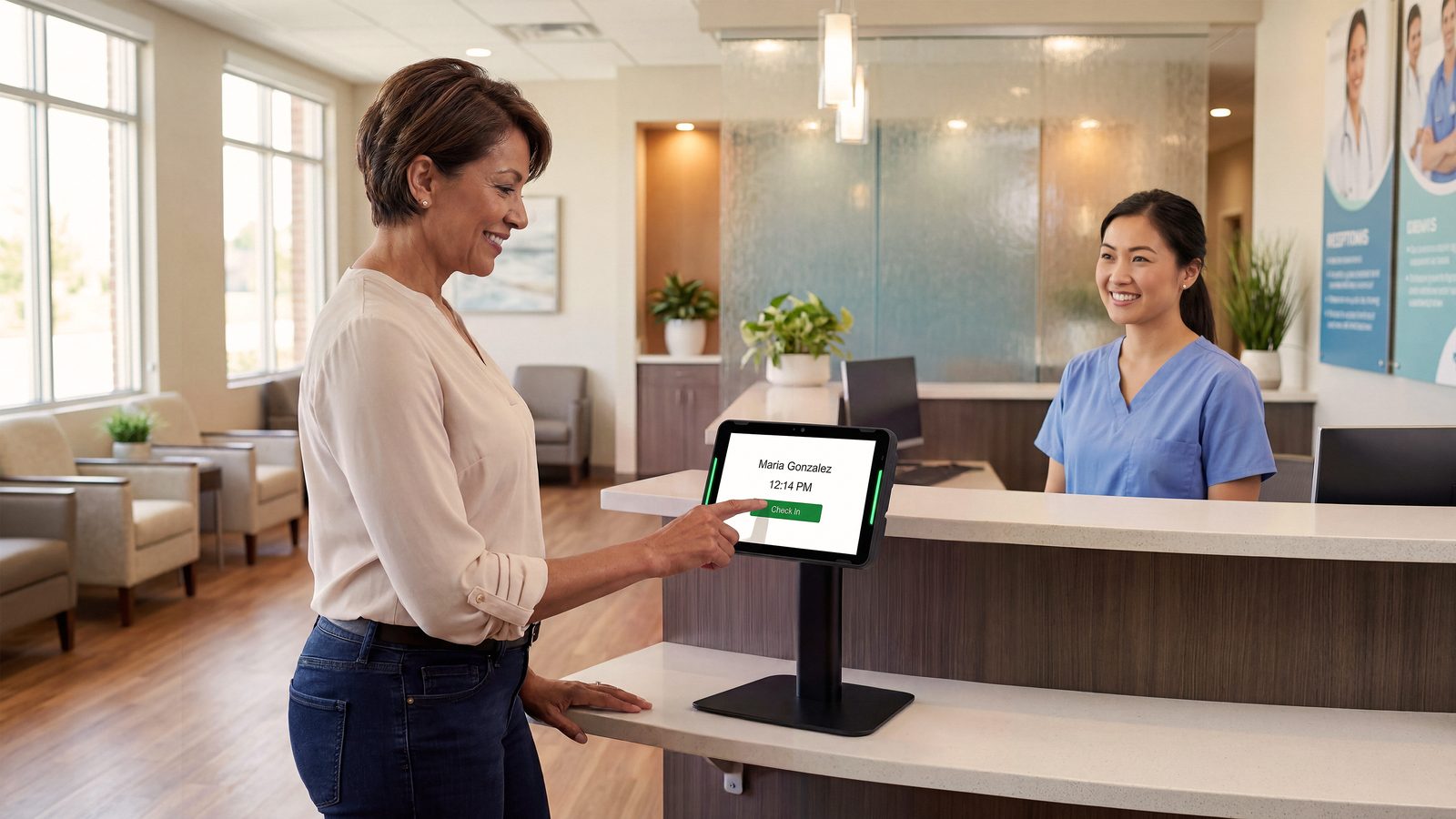
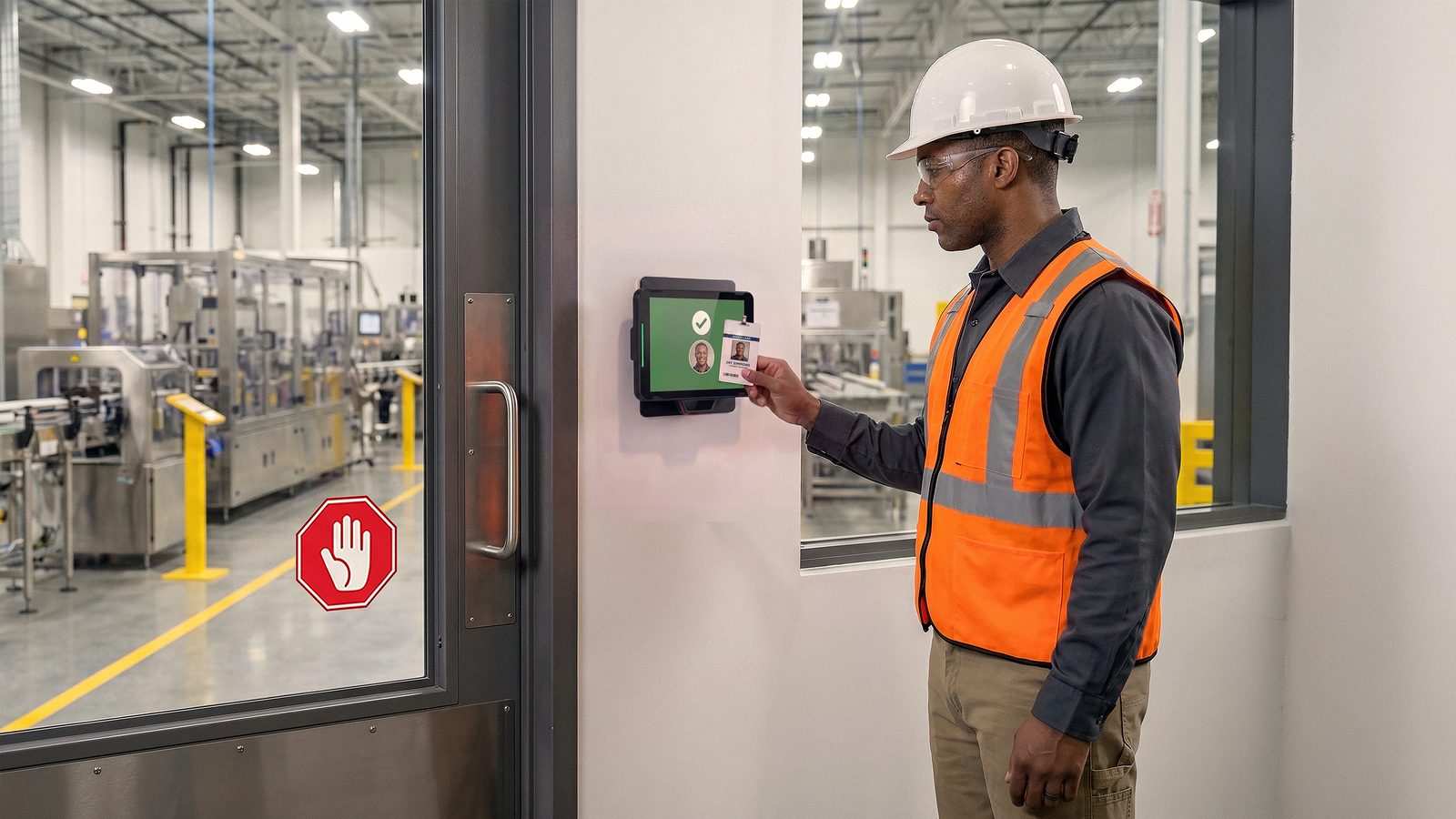
A warehouse or factory uses the KC401 as a staff timeclock, a badge access point, a returns kiosk or the dashboard for Zebra’s Guardian device cabinets. In healthcare it covers patient check-in, staff timekeeping and a display outside a patient’s room.
The KC401 is the hardware; the price-check, returns and loyalty screens run as an Android app. We can supply that kiosk software or work with your own software supplier.
Self-service on the KC401 that still reaches a member of staff
The Zebra KC401 lets a customer finish a simple task alone and call a person when they need one.
Check a price or stock level by scanning. The optional SR500 1D/2D scan engine reads product barcodes at the kiosk. Without it, the 5 MP front camera scans barcodes.
Tap a loyalty pass or a card on the glass. The NFC reader works by tap on the glass and is certified for Apple VAS and Google Smart Tap, for wallet passes and loyalty cards. Zebra lists contactless payment support, but unattended SoftPOS is not supported, so confirm the payment set-up with your payment provider before you plan a checkout on it.
Call for help without leaving the kiosk. With Zebra Workcloud Sync, a customer presses for help, the request goes to the nearest worker’s Zebra device and the worker answers by voice through the kiosk. Workcloud Sync and Workcloud Timekeeping are licensed separately; we supply the licences. The KC401 has stereo speakers, two microphones and Qualcomm Fluence AI noise suppression to cut background noise on the call.
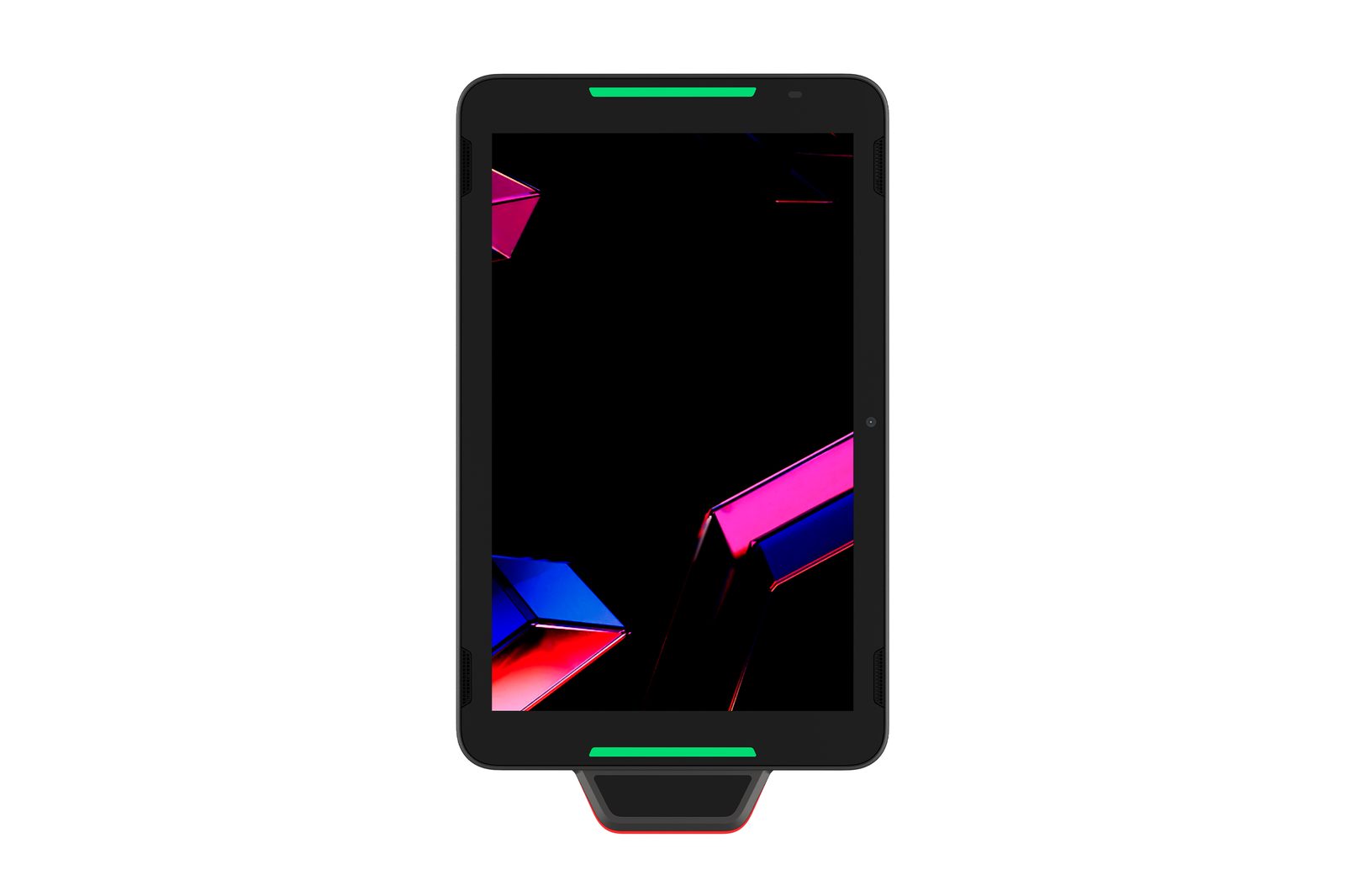
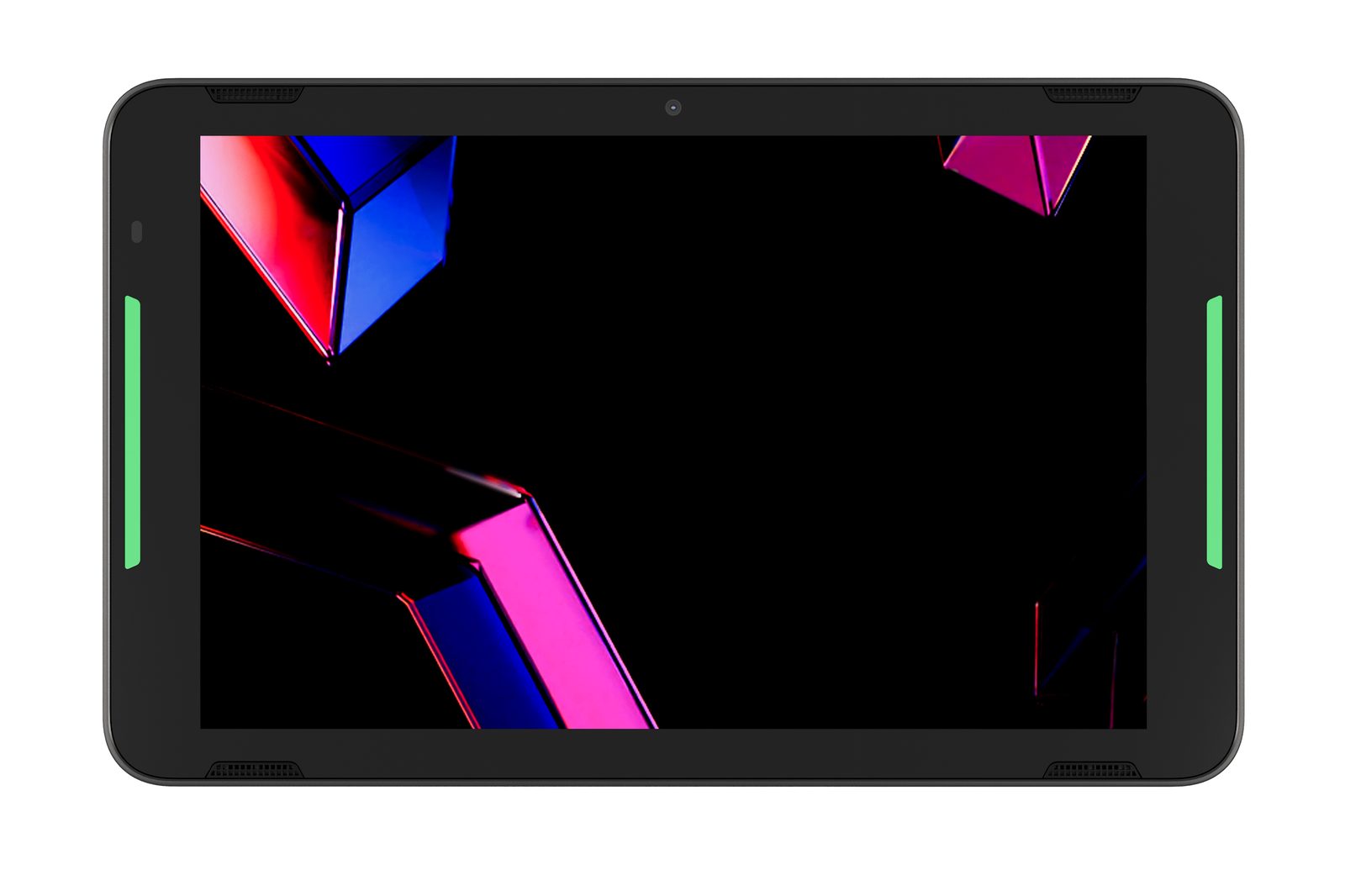
Show staff which kiosk needs attention. Programmable red, blue and green LED light bars signal status from across the floor, and a proximity sensor detects when someone is standing at the kiosk.
How does the Zebra KC401 install?
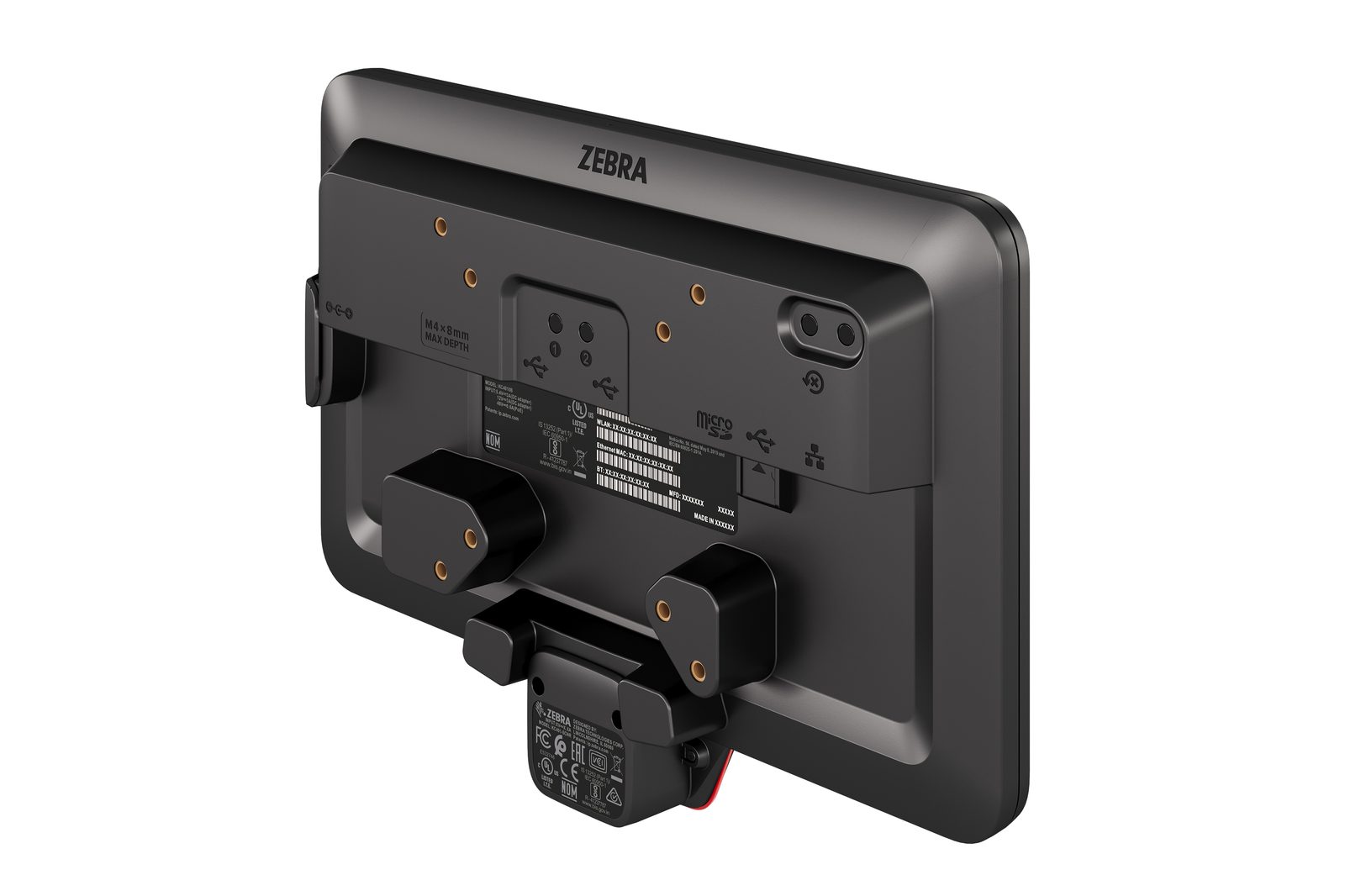
The Zebra KC401 mounts on a wall, pole, counter or cabinet through a universal VESA mount, upright or on its side. It can draw its power from the network cable. An existing CC6000 installation can take the KC401 without new cabinetry.
Power it from the network switch or from the mains. Power over Ethernet (PoE+, 30 W, IEEE 802.3at/bt Class 4 or greater) runs the KC401 over its Gigabit Ethernet cable, so the mounting point needs no socket. Where the switch port cannot supply PoE+, use an injector or Zebra’s 12 V 36 W power supply, which is the option Zebra recommends. Zebra’s 5.4 V 16 W supply also works, but it needs a specific adapter cable and has restrictions listed in the Product Reference Guide.
Add a scanner if the kiosk needs one. The KC401 scans with its front camera as standard. The optional SR500 scan engine comes in 0°, -25° and +25° versions; we pick the version with you at the site survey.
Connect by cable or wireless. The KC401 connects by Gigabit Ethernet, Wi-Fi 7 (tri-band, 2×2 MU-MIMO) or Bluetooth 6.0, and has two USB-A ports and a USB-C port for peripherals.
Running the KC401 day to day
The Zebra KC401 is sealed to IP65 for frequent cleaning and ships with Zebra DNA Core pre-loaded, which suits a screen that the public touches all day.
IP65 sealing allows the frequent cleaning that healthcare, canteens and kitchens need, and the impact-tested 9H glass has a scratch- and fingerprint-resistant finish. Check Zebra’s approved cleaning agents against the disinfectant you use.
Android kiosk apps run on a Qualcomm Dragonwing Q-6690 processor at up to 2.0 GHz, with 6 GB RAM, 64 GB flash and a microSD slot for cards up to 2 TB.
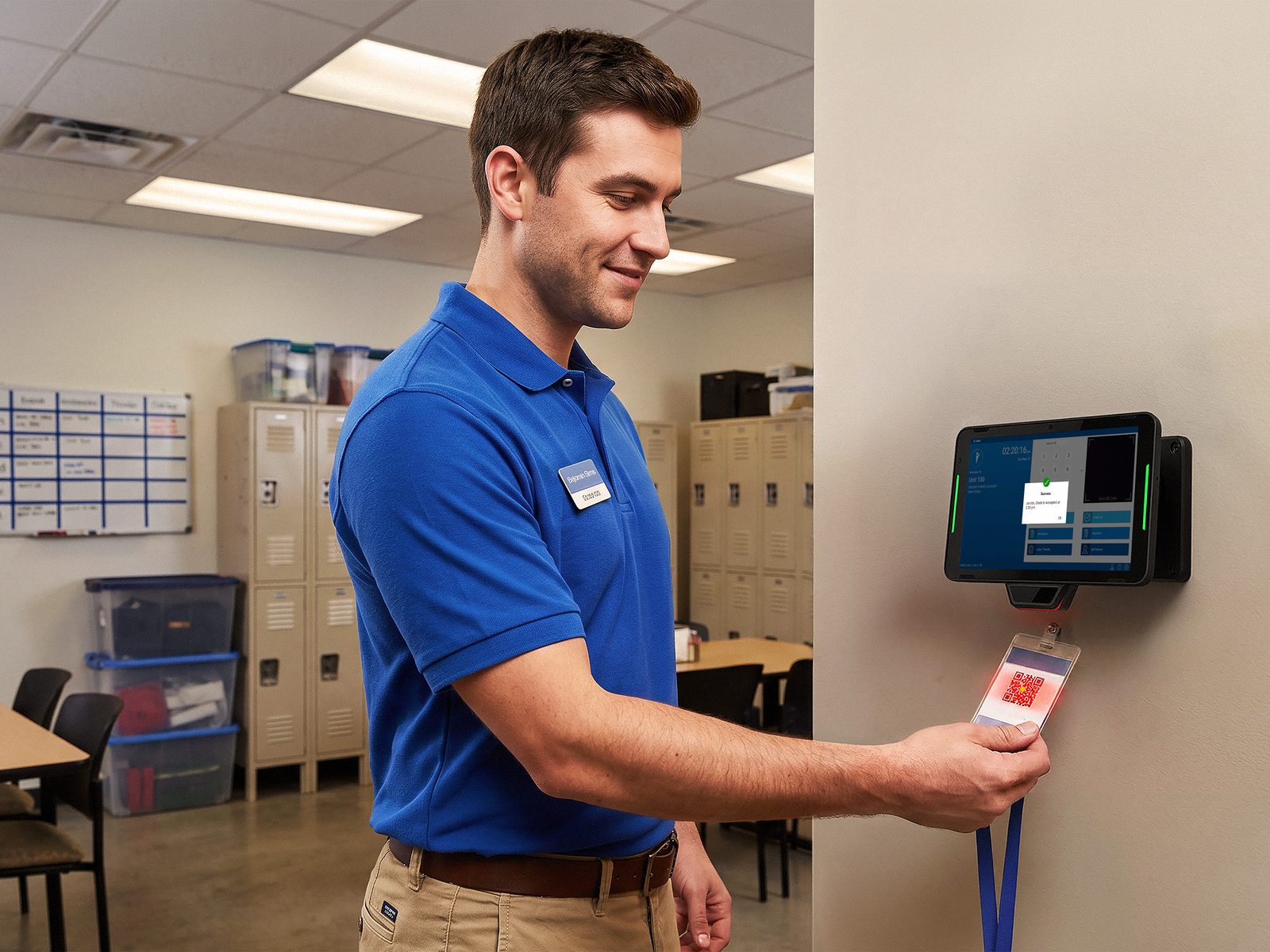
Turn it into a staff timeclock. With Zebra Workcloud Timekeeping, staff can clock in by badge QR code or employee ID.
Keep it patched. Zebra DNA Core comes pre-loaded, with DNA Core+ and DNA Advanced as paid upgrades. LifeGuard for Android security updates need a Zebra OneCare contract; Zebra recommends OneCare Essential or SV with the KC401.
Zebra KC401 technical specifications
| Specification | Zebra KC401 |
|---|---|
| Class | 10-inch Android kiosk computer; designed to fit CC6000 cabinetry and mounts |
| Display | 10.1 in WXGA (1280 x 800), 300 nits; capacitive touch, bare or gloved finger or conductive stylus (sold separately); 9H glass; portrait or landscape |
| Processor | Qualcomm Dragonwing Q-6690, up to 2.0 GHz |
| Memory | 6 GB RAM / 64 GB flash; microSD up to 2 TB |
| Operating system | Android (supported versions listed at zebra.com/android-versions) |
| Scanning | Front camera scanning; optional SR500 1D/2D scan engine at 0°, -25° or +25° |
| NFC | Tap-on-glass; contactless payment support, Apple VAS and Google Smart Tap certified, Google Wallet; unattended SoftPOS not supported |
| Camera and audio | 5 MP front camera; stereo speakers, two microphones, Qualcomm Fluence AI noise suppression |
| Network | Gigabit Ethernet (RJ45); Wi-Fi 7 tri-band 2×2 MU-MIMO with MLO; Bluetooth 6.0 |
| Ports | USB Type-C (USB 2.0 host or client); 2 x USB Type-A (USB 2.0); RJ45 |
| Power | PoE+ 30 W (IEEE 802.3at/bt Class 4 or greater); Zebra 12 V DC 36 W supply (recommended); Zebra 5.4 V DC 16 W supply (adapter cable and restrictions in the Product Reference Guide) |
| Indicators and sensors | Programmable red, blue and green LED light bars; proximity, light and motion sensors |
| Sealing | IP65 |
| Operating temperature | 0°C to +40°C |
| Size and weight | 262.9 x 163.7 x 36.2 mm without scanner (262.9 x 189.0 x 36.2 mm with scanner, landscape); 920 g, or 947 g with scanner |
| Mounting | Universal VESA; walls, poles, counters and cabinetry; designed to fit CC6000 cabinetry and mounting hardware |
| Warranty | 1 year from shipment; Zebra OneCare Essential or SV recommended |
Download the Zebra KC401 spec sheet (PDF)
Zebra KC401 models and part codes
The Zebra KC401 comes as one base unit, and the SR500 scan engine is the add-on, in three angle versions. We pick the angle with you at the site survey. Units are usually from stock or within a few days, depending on regional availability.
| Model / config | Part code |
|---|---|
| KC401 10-inch kiosk computer, Wi-Fi 7, Android GMS, 6 GB/64 GB, front camera, scanner sold separately | KC4010B-00101CP0-A6 |
| Optional SR500 1D/2D scan engine, 0°, -25° or +25° | Add-on, one code per angle version |
A KC401 powered over PoE+ needs no power supply. For mains power we add Zebra’s 12 V 36 W power supply, the recommended option.
What changes when a Zebra CC6000 is replaced by the KC401?
The Zebra CC6000 has been replaced by the Zebra KC401. The two share the 10.1-inch 1280 x 800 screen, the 5 MP front camera, the Gigabit Ethernet port and the cabinet fit, so the swap is mostly a like-for-like change of unit. Three differences matter most at the survey.
| What changes | Zebra CC6000 | Zebra KC401 |
|---|---|---|
| Scanner | Integrated SE4710 1D/2D imager on every unit | Front-camera scanning as standard; the SR500 1D/2D scan engine is an add-on (0°, -25° or +25°) |
| Power | 802.3at PoE (30 W) or a 5.4 V 3 A supply | PoE+ (30 W, IEEE 802.3at/bt Class 4 or greater), Zebra’s 12 V 36 W supply, or a 5.4 V 16 W Zebra supply with a specific adapter cable; we check whether an existing CC6000 supply can stay before the swap |
| Processor, memory, wireless | Snapdragon 660, 4 GB/32 GB, Wi-Fi 5, Bluetooth 5.0 | Dragonwing Q-6690, 6 GB/64 GB, Wi-Fi 7, Bluetooth 6.0 |
Our advice: if your CC6000 kiosks scan barcodes all day, specify the SR500 add-on on the replacement KC401, because the front camera suits occasional scanning. If customers only tap a loyalty pass or type a code, the base unit is enough.
KC401, CC6000, KC50 or PS30: which one fits?
For a new 10-inch kiosk, we supply the Zebra KC401 in place of the CC6000. We still support installed CC6000 kiosks until each one is due for replacement.
If customers scan only now and then, the KC401 without the SR500 reads barcodes with its front camera, and the SR500 can be fitted on site later if scanning becomes the main task.
For a bigger screen, the Zebra KC50 comes with a 15.6-inch or 21.5-inch display. For self-scan shopping, the PS30 Personal Shopper is the device customers carry round the store, and the KC401 can act as the dashboard unit for Zebra’s Personal Shopper solution.
The KC401 is an indoor kiosk. It operates from 0°C to +40°C with a 300-nit screen, so an unheated entrance or a spot in direct sun is the wrong place for it.
What Sirap does with a KC401 order
We confirm the KC401 set-up and scanner version for each location and check that your network switch supplies PoE+. Where it does not, an injector or the Zebra power supply goes on the quote. Existing CC6000 cabinetry gets reused where you have it, and the kiosks are installed, configured with your apps and supported locally. Zebra OneCare goes on the quote too, because LifeGuard security updates depend on it. You get back a quote covering the kiosk, the SR500 version, the power option and OneCare.
Frequently asked questions about the KC401
Will the KC401 fit our existing CC6000 mounts and cabinets?
Yes, Zebra designed the KC401 to fit CC6000 cabinetry and mounts. The Zebra KC401 needs PoE+ at 30 W (IEEE 802.3at/bt Class 4 or greater) if it is to run from the switch, so check the switch port before you swap a CC6000 over, or plan the 12 V power supply.
Can customers pay by card on the KC401?
Zebra lists contactless payment support on the KC401’s NFC reader, but unattended SoftPOS is not supported, so agree the payment set-up with your payment provider before you plan any checkout on it. The NFC reader works by tap on the glass and is certified for Apple VAS and Google Smart Tap for wallet passes.
Does the KC401 need a power socket where it is mounted?
Not when the switch supplies PoE+ (30 W): the Zebra KC401 then runs through its network cable and one cable from the switch is enough. Where PoE+ is not available, the KC401 runs from Zebra’s 12 V 36 W power supply, which needs a socket.
Talk to a Sirap engineer about the KC401
Tell us where the kiosks will go, what people will do on them and whether CC6000 cabinets are already in place. We will specify the KC401 configuration, install it and support it from Malta.
Request a quote or call (+356) 2138 5911 · Price on request
Related Products


Talk to us about your next project
Tell us what you need to run, code, label, store, protect or automate. Our technical sales team in San Gwann replies within one working day, in Maltese or English.
Who you deal with:
- Part of Maltese IT and industry since 1981
- A sales team that specifies the right part codes
- A technical team that installs, tests and repairs
- Engineers on site anywhere in Malta and Gozo
- Zebra Premier Business Partner, Synology Platinum Partner
- Distributor for Eaton and Domino in Malta
What happens next?
We reply within one working day
An engineer visits if the site needs a look
You get a quote with part codes, installation and warranty