
Zebra FXP20 Point-of-Sale RFID Reader
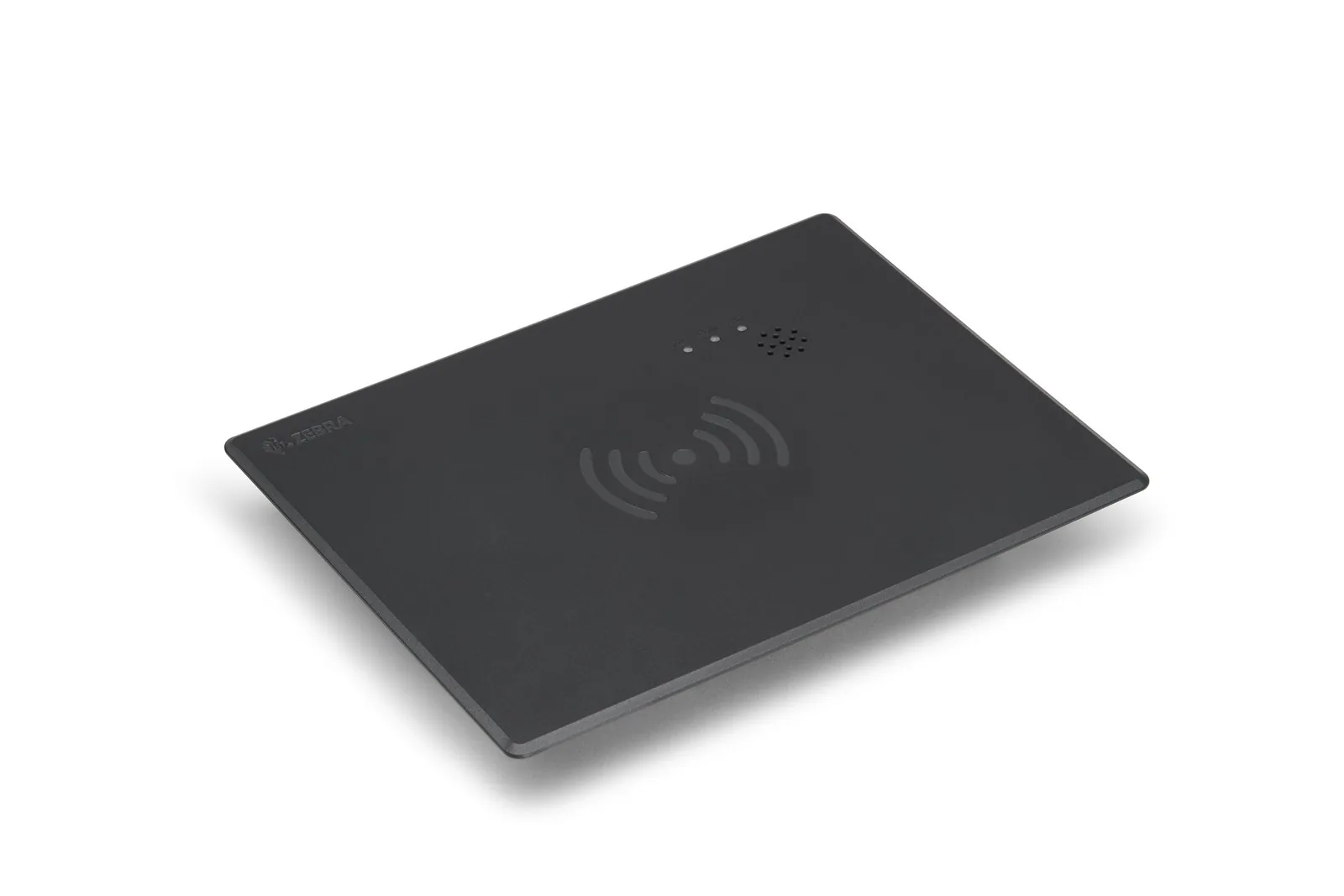
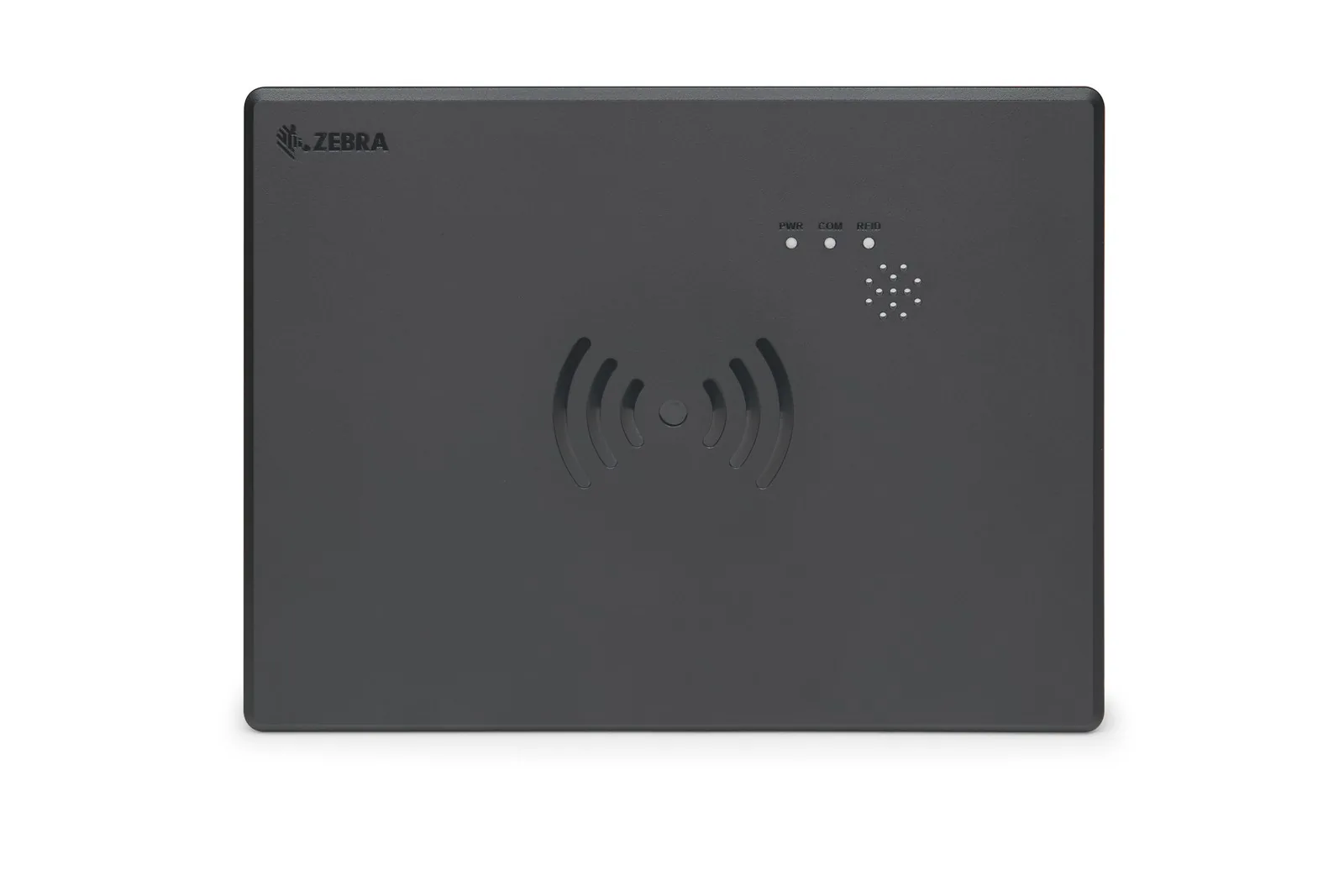
The Zebra FXP20 is a flat point-of-sale RFID reader pad for the checkout counter that reads the tagged items in a basket in one pass and connects to the till by USB. We supply, set up and support it in Malta for staffed tills and self-checkouts, after a test at your counter with your own tagged stock.
Price on request · Request a quote for the FXP20 or call (+356) 2138 5911 · Download Spec Sheet
Sirap is a Zebra Premier Business Partner in Malta and a Zebra RFID Specialist.
We supply, set up and support Zebra RFID readers in Malta.
When the clothes or goods in a shop carry RFID tags, the till no longer needs to find and scan each barcode. The Zebra FXP20 lies on the counter, or sits flush in it, and reads every tagged item placed on it.
Zebra designed it to keep the read zone short, so it picks up the basket in front of the cashier and not the next lane or a display nearby.
It plugs into the till by USB and runs from its own power supply. For readers, antennas and tags beyond the till, see RFID readers, antennas and tags in Malta.
What is the Zebra FXP20 for?
The Zebra FXP20 is for retail checkouts where the stock is tagged. Zebra names four jobs for it: staffed checkout, self-checkout, inventory control and loss detection. At a staffed till the cashier puts the basket down and the items are read together. At a self-checkout the customer does the same.
Every sale is read by tag, so stock records follow each item that leaves through a till. The shop’s software can also spot items that cross a checkout lane without a sale.
The tags come first, and we supply the labels and inlays: see Zebra RFID labels and inlays.
How the FXP20 reads a basket at the till
The reader and a circularly polarised antenna are built into one pad, with transmit power up to 27 dBm, which keeps the read zone close to the counter.
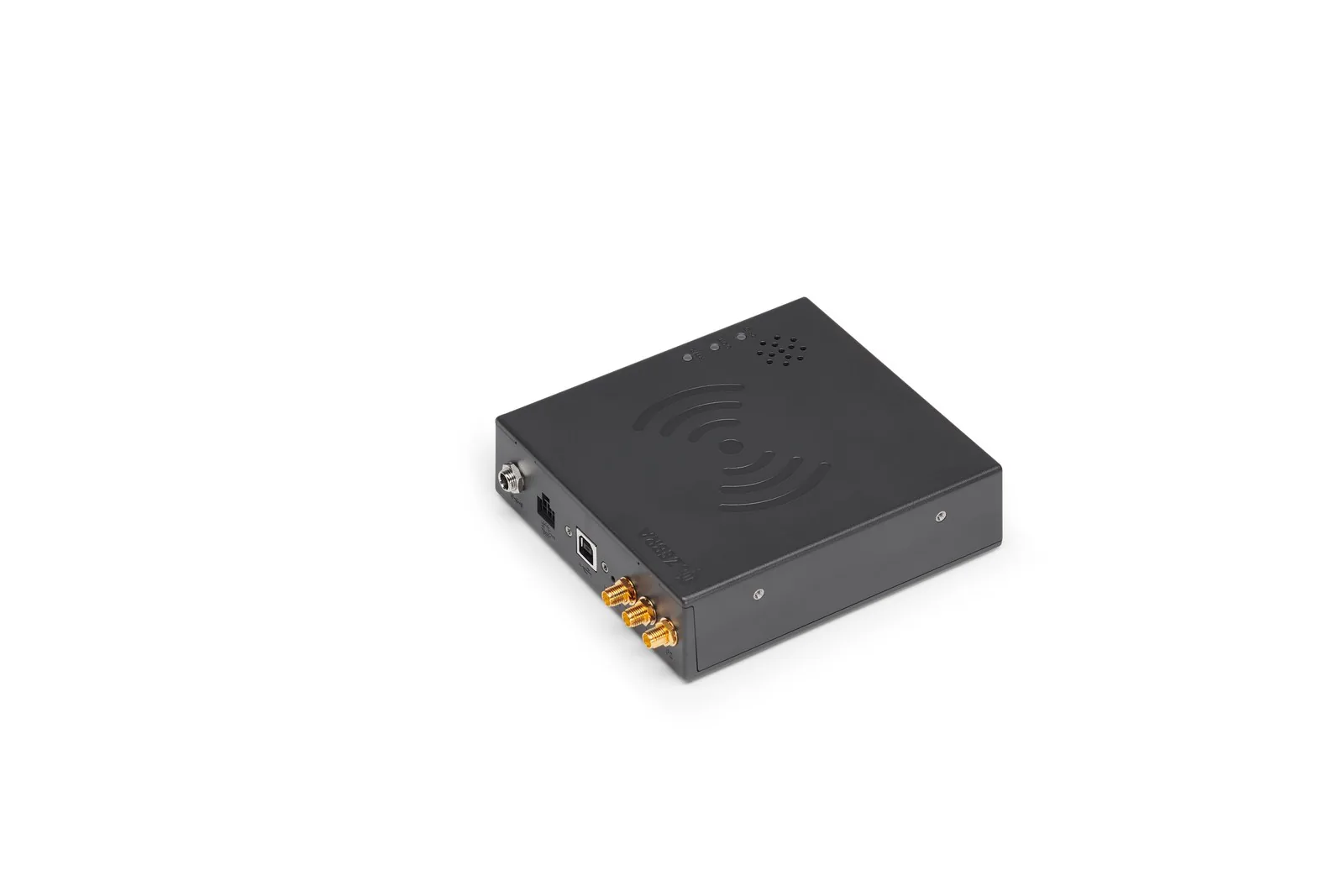
Three ports for extra antennas. Besides its built-in antenna, the FXP20 has three SMA ports (small screw-on antenna connectors), marked P2 to P4. They take external antennas where a counter needs more coverage than the pad gives. External antennas and their cables are not included; we choose them with you after the counter test.
A trigger input. One general-purpose input can take a signal from a sensor or a button. Zebra’s POS driver can start reading on it, so the reader only reads when a basket is there.
Lights and sounds for the cashier. Three multicolour LEDs and a sounder at three volume levels confirm power, connection and each tag read.
No figure for read range is published. Tins, foil packs and bottles are harder to read than clothing, and the counter itself changes the result. That is why we test at your counter before you order for several lanes.
Fitting the FXP20 into your counter
The Zebra FXP20 pad measures 136 x 117 x 36 mm and weighs 266 g. It lies on a work surface, sits flush in the counter with Zebra’s adapter plate (185 x 245 x 34 mm), or fixes on a separate bracket.
What comes in the box. Zebra packs the pad with the adapter plate for a flush fit, a locking USB cable and the power supply. External antennas, antenna cables, the input cable and the bracket are separate items.
Power and cables. The FXP20 runs from a 12 V DC supply with a locking connector; it does not take Power over Ethernet. It connects to the till by a lockable USB cable. Zebra’s guide connects the antennas first, then the USB cable with both retaining screws, then any input cable, and the power supply last.
An indoor reader. The FXP20 works from 0°C to 40°C, so it belongs on the shop floor, not in a yard or a cold store.
Cleaning. Wipe it with a lightly dampened soft cloth and an approved cleaner such as isopropyl alcohol or mild dish soap. Never pour liquid onto the pad or into the speaker holes.
Connecting the FXP20 to your POS software
The FXP20 connects only by USB to the till PC and is not a network device, so the reads go into the POS software running on that PC.
JavaPOS driver. With the JPOS driver from Zebra, till software can treat the FXP20 as a standard RFID scanner on Windows 11 and Ubuntu 24.04 LTS. JavaPOS is the common interface for scanners and similar devices. Any POS software that supports it can then read, write and lock tags through the FXP20.
The FXP20 is also listed in Zebra’s RFID SDK (software development kit) for Windows, in C# on .NET.
Set-up tool. The set-up tool, 123RFID Desktop, uses the same USB cable. It sets the antennas, reads and writes test tags and updates the firmware. It also sets the region and transmit power where the unit allows the change; on units where Zebra fixes them for one country, they come set in the part code.
Ask your POS supplier whether their software supports a JavaPOS RFID scanner or Zebra’s SDK. If it does not, connecting the reader is development work for them, and we brief them on Zebra’s driver.
Zebra FXP20 technical specifications
| Specification | Zebra FXP20 |
|---|---|
| Class | Point-of-sale UHF RFID reader pad |
| Antennas | Built-in circularly polarised antenna, plus 3 SMA ports (P2 to P4) for external antennas |
| Frequency | 865-868 MHz (EU) |
| Transmit power | Up to 27 dBm, set through Zebra’s tools and SDK |
| Max receive sensitivity | -78 dBm |
| Read range | Not published by Zebra; short, controlled read zone by design |
| Host connection | USB (lockable Type B connector) to the POS; not network capable |
| Input | 1 general-purpose input |
| Power | 12 V DC, 2 A, locking connector; no PoE |
| Indicators | 3 multicolour LEDs; sounder with 3 volume levels |
| Size and weight | Pad 136 x 117 x 36 mm, 266 g; adapter plate 185 x 245 x 34 mm |
| In the box | Reader pad, adapter plate, locking USB cable, power supply |
| Operating temperature | 0°C to 40°C; storage -40°C to 70°C; 5-95% humidity, non-condensing |
| Software | Zebra JPOS driver (UnifiedPOS RFID scanner) for Windows 11 and Ubuntu 24.04; Zebra RFID SDK for Windows; 123RFID Desktop for set-up and firmware |
| EU compliance | EN 62368-1, EN 302 208, EN 301 489-1/3, EN 50364; RoHS, WEEE |
| Warranty | Zebra standard warranty, with claims made through us; Zebra OneCare plans quoted on request |
Download the Zebra FXP20 spec sheet (PDF)
Zebra FXP20 part codes
One FXP20 configuration covers the EU, shown below. What changes from shop to shop is what goes with it: a flush or on-top fit, and whether a wide counter needs external antennas. Tell us about the counter and we specify the part codes.
| Model / configuration | Part code |
|---|---|
| FXP20 point-of-sale RFID reader, integrated short-range circularly polarised antenna, 3 external antenna ports, USB | FXP20042-404031-WR |
The mounting bracket is BRKT-042040-01, sold separately. External antennas, antenna cables and the input cable are also separate lines on the quote.
What does an FXP20 checkout cost to run?
Apart from the tags on your stock, an FXP20 checkout has no supplies to buy for the reader itself. The running cost comes from the items around the reader, and we cost the hardware ones with it:
- the RFID tags or labels on every item you sell, the largest recurring cost;
- external antennas, cables or a bracket, where the counter needs them;
- your POS supplier’s work to connect the reader, if their software does not support it yet.
FXP20, an RFID scanner or a handheld: which fits your checkout?
The Zebra FXP20 fits a counter where tagged items are put down and read together, at a staffed till or a self-checkout.
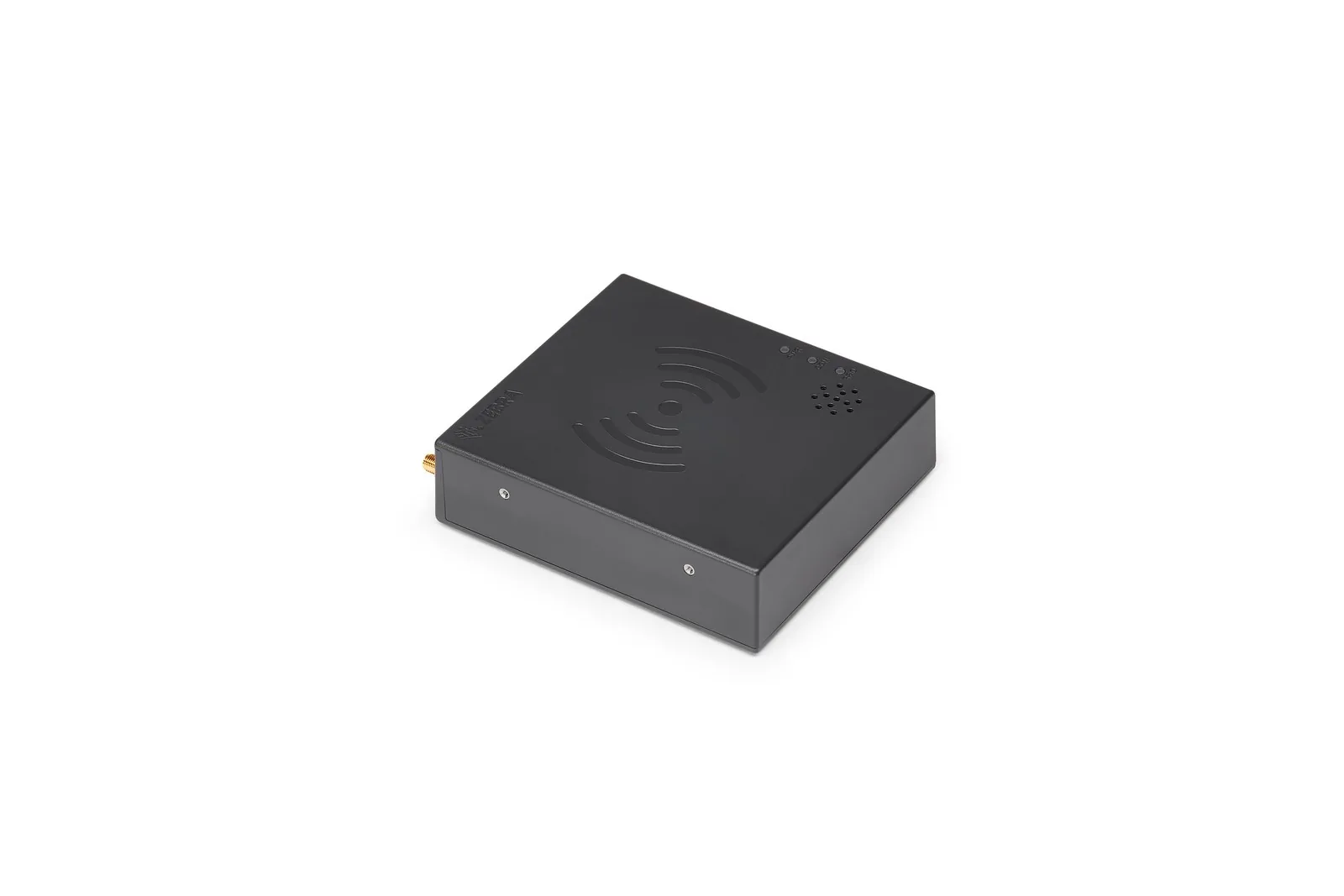
If the till still scans barcodes for most items, Zebra’s DS9908R counter scanner reads barcodes and RFID tags in one unit, and we quote it on request. For staff who move around the shop floor, the Zebra TC22R handheld has a built-in RFID reader. Handhelds such as the Zebra TC501 find single tagged items within about 2 m.
The FXP20 is a short-range reader by design and will not cover a stockroom. For stock counts, the Zebra RFD40 RFID sled on a handheld is the tool. For a stockroom door, the Zebra FX7500 fixed RFID reader with its own antennas records what passes.
What we do with an FXP20 order
Before you order for several lanes, we test the FXP20 at your counter with your own tagged stock, including the next lane and any display nearby. We then set the antennas in 123RFID Desktop, fit the pad on or in the counter and brief your POS supplier on Zebra’s driver.
Our sales team in San Gwann agrees the counter layout with you. Our technical team fits the pad, tests it at the till and takes care of warranty claims. For other Zebra devices at the till, see the Zebra range.
Frequently asked questions about the FXP20
Will the FXP20 work with our POS software?
The Zebra FXP20 works with POS software that supports a JavaPOS (UnifiedPOS) RFID scanner through Zebra’s JPOS driver, on Windows 11 or Ubuntu 24.04 LTS. It also works with software built on Zebra’s RFID SDK for Windows. Ask your POS supplier which of these they support, and we will brief them on the driver.
Can the FXP20 help us stop tagged items leaving unpaid?
Partly. Zebra names loss detection as one of the FXP20’s jobs: it reads tagged items as they cross a checkout lane, and the shop’s software compares those reads with the sale. The reader reports the tags; deciding what counts as unpaid and raising the alert is done by that software.
Who installs it in Malta?
The Zebra FXP20 is installed by our technical team. We fit the pad on or in the counter and connect any external antennas. We check the region and power settings in 123RFID Desktop, then test the reads at your till with your own tagged stock.
Who repairs it and handles the warranty?
Zebra’s standard warranty covers the FXP20, and claims go through our technical team. Ask for a Zebra OneCare service plan and we quote it. Firmware updates go over the same USB cable with 123RFID Desktop, so the pad stays at the till.
Is it held in stock in Malta?
The Zebra FXP20 is generally in stock, or here within a few days depending on regional availability. The counter test comes first, and it sets the date.
Talk to us about the FXP20
Tell us how many tills you have, what is tagged and which POS software you run. We reply within one working day with our questions about your tills and software. An engineer visits your counter for the test, anywhere in Malta and Gozo. Your quote gives the exact part codes, what the installation covers and how warranty claims work.
Request a quote for the Zebra FXP20 or call (+356) 2138 5911 · Price on request
Monday to Friday 8:30 to 16:30. We reply within one working day.
We have been part of Maltese IT and industry since 1981.
Related Products


Talk to us about your next project
Tell us what you need to run, code, label, store, protect or automate. Our technical sales team in San Gwann replies within one working day, in Maltese or English.
Who you deal with:
- Part of Maltese IT and industry since 1981
- A sales team that specifies the right part codes
- A technical team that installs, tests and repairs
- Engineers on site anywhere in Malta and Gozo
- Zebra Premier Business Partner, Synology Platinum Partner
- Distributor for Eaton and Domino in Malta
What happens next?
We reply within one working day
An engineer visits if the site needs a look
You get a quote with part codes, installation and warranty